TikTok Video Downloader
Download TikTok videos without watermark online for free
- No Watermark & Logo
- Ultra HD Quality (4K)
- Bulk Video Download
- No Installation Needed
SaveTik - Download TikTok videos without watermark for free
SaveTik is an online TikTok video downloader that helps you save your favorite videos to your phone or computer quickly. The tool supports downloading high-quality TikTok videos without watermark (HD, Full HD), extracting MP3 audio, and works directly in your browser without requiring any app installation.
Just copy the TikTok or Douyin video link, paste it into the input box on SaveTik, and click the Download button. The system will automatically process and provide MP4 video or MP3 audio download options in just a few seconds.
SaveTik.ai is compatible with most popular devices and operating systems such as Android, iPhone, iPad, Windows, and macOS, bringing a fast and convenient downloading experience everywhere.
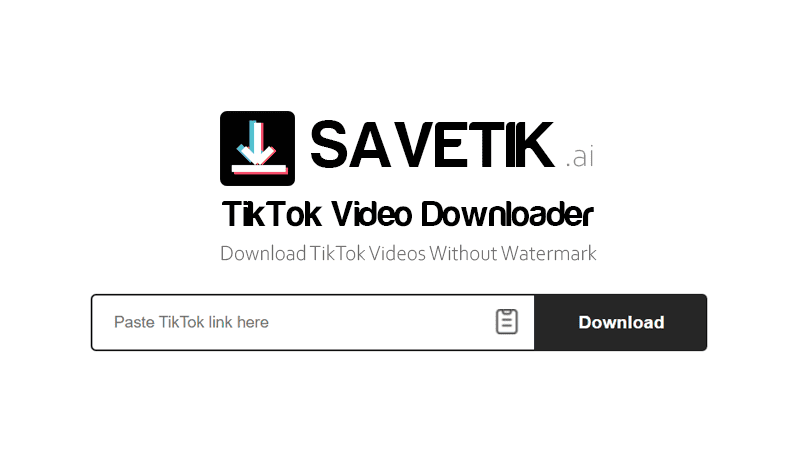
How to download TikTok videos with SaveTik:
- Step 1: Open the TikTok app or visit TikTok.com, find the video you want to download, and click Share → Copy link.
- Step 2: Access SaveTik.ai on your web browser, paste the copied link into the input box, and click the Download button.
- Step 3: Select your desired format such as Download MP4 or Download MP3, then save the file to your device.
Key Features of SaveTik
- Unlimited Downloads: You can download TikTok and Douyin videos an unlimited number of times completely for free without needing to register an account.
- No Watermark: SaveTik supports saving TikTok videos without the TikTok logo or user ID obscuring the content, making it perfect for any reuse purpose.
- Download MP4 and MP3: In addition to MP4 videos, the tool also allows you to extract and download MP3 audio from TikTok videos quickly.
- Fast & Easy to Use: Just paste the link and click the Download button, the system will process and return results in just a few seconds.
- Works on All Devices: Use it easily on your phone, tablet, laptop, or desktop computer right through your web browser.
- Safe & Private: Does not require logging into your TikTok account and no additional software installation is needed to use.
Download TikTok videos in bulk from your favorite accounts
In addition to downloading individual videos, SaveTik also supports bulk TikTok video downloads, helping you save significant time when you need to store multiple contents at once.
Download all videos from a TikTok account
Just enter the TikTok profile link or username (@username), SaveTik will automatically scan and display a list of available videos from that account. Once completed, you can:
- Select and download specific videos based on your needs.
- Download multiple videos at once with just a few steps.
- Download the entire video list as a ZIP compressed file for easy storage and management.
Who should use this feature?
- Content Creators: Easily backup all posted videos on TikTok for storage or transferring to other platforms.
- Fans and Followers: Keep your favorite videos from creators, artists, or brands that you care about.
- Marketers and Content Editors: Collect and manage a large number of videos for trend research, content analysis, or creative idea reference.
SaveTik is optimized for downloading TikTok videos in bulk with fast processing speeds, a simple interface, and ease of use across all devices. You can download multiple videos directly from your browser without installing any software or registering an account.
Why should you choose SaveTik.ai?
SaveTik is designed to deliver a simple, fast, and stable TikTok video downloading experience. The tool operates entirely on the web, requires no app installation, and supports multiple download formats to suit all user needs.
We continuously improve our system to enhance processing speed, compatibility, and user experience on all devices. If SaveTik is helpful to you, please share it with your friends so more people can use it easily.
Note: SaveTik is an independent tool and is not affiliated with TikTok or ByteDance. Users must ensure that their use of downloaded content complies with copyright regulations and the platform's terms of service.
Frequently Asked Questions
What is SaveTik?
- SaveTik is a free online TikTok video downloader that allows you to quickly save TikTok videos to your phone or computer. The tool supports downloading high-quality videos in MP4 format, downloading MP3 audio, and operates directly on your browser without installing software or registering an account.
Do I have to pay to use SaveTik?
- No. SaveTik is a completely free tool, allowing you to download unlimited videos and audio from TikTok. You do not need to register an account, purchase a membership package, or pay any fees to use our features.